
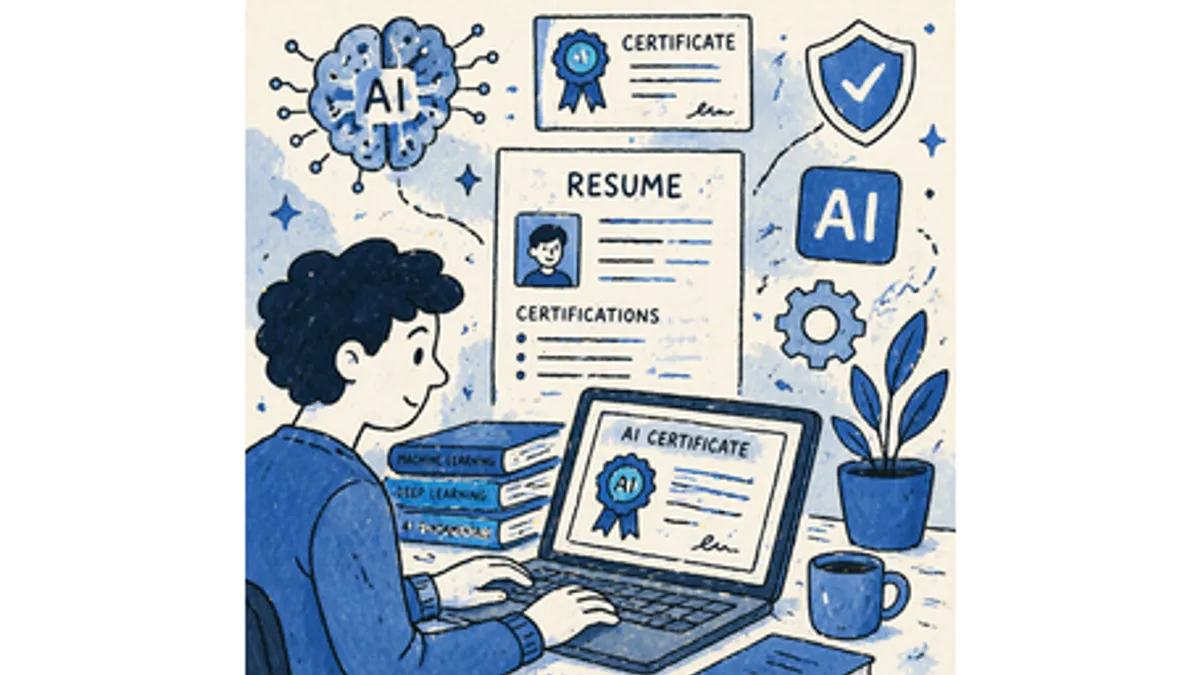
Almost every job posting now mentions AI somewhere. That does not mean you should dump “ChatGPT” into your skills section and call it done. Recruiters have seen that line a hundred times this week. What they have not seen as often is proof that you used AI to finish work faster, catch errors, or ship something better.
This guide is a practical list of AI skills worth putting on a resume in 2026, broken down by role, plus how to phrase them so ATS and humans both get the point.
What AI skills belong on a resume?
Think in two buckets.
Everyday AI skills apply across offices: prompt writing, using assistants like ChatGPT or Copilot, automating repetitive tasks, checking AI output before it goes out the door. A marketing coordinator, HR generalist, or accountant can list these honestly if they use them weekly.
Technical AI skills are for builders: machine learning, Python for model work, NLP, deploying models with MLOps tooling. List these only if the job asks for them and you can talk through a project in an interview.
Recruiter tip
The tool name is not the skill.
“ChatGPT” in a skills list tells me you have an account. “Built a prompt library that cut first-draft time on client reports by 35%” tells me you know how to use it at work.
Strong everyday entries include:
- Prompt engineering — writing instructions that produce usable first drafts
- Generative AI tools — ChatGPT, Claude, Gemini, Microsoft Copilot, Midjourney where relevant
- Workflow automation — Zapier, Make, or built-in automations that connect AI to your stack
- AI-assisted analysis — summarizing datasets, spotting patterns, drafting reports from raw inputs
- AI literacy — knowing limits, privacy basics, and when to verify output manually
Technical roles may also list machine learning frameworks (TensorFlow, PyTorch), NLP, SQL/Python for model pipelines, and model deployment. A data analyst applying for a reporting job does not need the full ML stack unless the posting asks for it.
AI skills by profession
Match the list to the job you want, not every AI trend on Twitter. Below are the skills that usually move the needle in each field, plus what to write in a bullet if you have used them.
Marketing and growth
- AI content drafting — first drafts for email, social, landing pages (prove with output volume or turnaround time)
- SEO and ad optimization tools — AI-assisted keyword research, bid suggestions, A/B copy variants
- Campaign analytics — using AI to cluster audiences or summarize performance data
- Prompt libraries — reusable templates that keep brand voice consistent
Software and data
- AI-assisted coding — GitHub Copilot, Cursor, or similar for review and boilerplate
- ML frameworks — TensorFlow, PyTorch, scikit-learn when you trained or tuned models
- RAG and embeddings — grounding assistants in company docs (name the stack if you built it)
- MLOps / deployment — getting models from notebook to production
HR and recruiting
- Applicant screening tools — only if you can also speak to fairness and human review
- People analytics — AI-assisted turnover or pipeline reporting
- Onboarding automation — scheduling, doc generation, FAQ bots
- Responsible AI use — bias checks, documented review steps
Design and creative
- AI image and video tools — concepting, rough cuts, asset variations
- Generative design workflows — exploring options faster, then refining by hand
- Creative direction — frame yourself as the editor who steers AI output, not the button-clicker
Cross-functional and ops roles
- Reviewing AI output — catching hallucinations, tone mismatches, bad numbers
- Data storytelling — turning AI-summarized metrics into decisions non-technical stakeholders understand
- No-code automation — connecting CRM, email, and docs without engineering help
Everyone else
If your role is not above, you still have usable entries: AI-assisted research, automated weekly reports, meeting summaries, or inbox triage. Tie each one to time saved or quality improved. Our skills-by-role guide helps pick non-AI keywords to mix in so the section does not read like a product catalog.
How to list AI skills on a resume
Use a simple formula for bullets:
Action verb + tool or method + what you did + result.
| Weak | Strong |
|---|---|
| ChatGPT, Copilot | Used Copilot to draft weekly status reports, cutting prep time from 90 to 45 minutes |
| Prompt engineering | Built a 12-prompt library for product marketing; increased usable first drafts by 60% |
| Machine learning | Deployed Python churn model that improved retention targeting accuracy by 18% |
Workflow:
- Copy AI-related keywords from the job description — match phrasing where you honestly can.
- List tools in your skills section in plain text (no icons or rating bars).
- Prove your top two or three in work experience with numbers.
- Add a course or cert in education if you are early career — see AI certifications worth listing.
- Read it aloud. If you would freeze explaining a line in an interview, cut it.
The bullet point formula and XYZ format work well here: outcome, proof, method.
Where AI skills go on a resume
Use three layers, each doing a different job:
| Section | Job |
|---|---|
| Skills | Fast ATS match — tool names and methods in a scannable list |
| Summary | One sentence linking AI use to your value (“Marketer who uses AI workflows to…”) |
| Experience | Proof — quantified bullets showing AI on the job |
| Education / projects | Courses, certs, side projects when work history is thin |
Do not paste the same line in all four places. Name the tool once in skills, frame the habit in the summary, prove it in experience. Run the finished file through the ATS checker with the posting pasted in — AI keywords only help if the parser can read them.
What employers want in 2026
The question shifted from “Have you tried AI?” to “How does AI fit your actual workflow?” Across industries, hiring managers repeatedly look for:
- Clear prompt habits (specific inputs, constraints, iteration)
- Comfort with mainstream assistants and copilots, not obscure beta tools
- Automation that removes grunt work without hiding bad judgment
- Willingness to check AI output — especially numbers, names, and compliance-sensitive text
- Basic awareness of privacy and bias when customer or employee data is involved
Companies are spending on AI; they are also skeptical of resumes that read like they were entirely machine-generated. Use AI to draft and tighten, but the final page should sound like you and reflect real work.
How to build AI skills you can actually list
Pick one task you already do and automate a slice of it this week. Reporting, research summaries, meeting notes, first-pass emails — anything repetitive counts.
- Short courses: Google AI Essentials, Microsoft Learn paths, Coursera specializations
- One small project: document before/after time or quality
- Stay current lightly: one newsletter or release note skim per month beats a burst of studying you never use
Outside dedicated AI roles, depth matters less than a credible example. One solid bullet beats five tools you opened once.
What to leave off
- Tools you cannot demo or describe in two minutes
- Buzzwords with no backing (“AI ninja,” “prompt guru”)
- Deep ML stack keywords on a non-technical application
- Every AI product you have ever signed up for — pick the two or three that match the role
If the posting does not mention AI, you can still include one relevant line when it strengthens your story. You do not need a dedicated “AI skills” subsection on every resume.
Certifications that help
Certs add keywords and signal intent; they do not replace a work bullet. Worth listing when you have them:
- Google AI Essentials
- Microsoft Azure AI Fundamentals
- AWS Certified AI Practitioner
- Role-specific Coursera or IBM certificates with a named project
Put them in education or certifications, then mirror the same tools in skills and prove usage in experience. Full breakdown: best AI certifications for your resume.
FAQs
Should I put ChatGPT on my resume?
You can, if you use it professionally. Pair the tool name with what you used it for and what changed — time saved, output increased, errors caught. The tool alone is too vague.
What AI skills are most in demand?
Prompt engineering, fluency with major assistants and copilots, workflow automation, and the ability to review AI output critically. Technical roles add ML, Python, and deployment skills on top of that base.
Do non-tech roles need AI skills?
Not mandatory everywhere, but increasingly useful. Finance, healthcare admin, marketing, and operations teams use AI tools daily. One honest, quantified line can differentiate you from candidates who list nothing.
AI skills resume checklist
Before you send — make sure AI lines read as proof, not hype.
0 of 7 done
Tools & guides mentioned in this article
- AI Resume Builder
Build an ATS-ready resume with AI writing help and live preview.
- AI Certifications
Credentials that back up AI skills on the page.
- AI Builder vs ChatGPT
When to use assistants vs structured resume tools.
- Best Resume Skills
Non-AI keywords to pair with your AI list.
- Bullet Point Formula
Turn tool names into quantified proof.
- Tailor Resume Per Job
Pull AI keywords from each posting.
- Free ATS Checker
Upload your resume and get an instant ATS compatibility score.
Land 3x more interviews with AI.
Don't let your resume get stuck in an ATS. Build an optimized resume in minutes, then validate it with our free checker.